
Using fmriprep with neurodesk on an HPC#
A brief guide to using fmriprep with Neurodesk.
This tutorial was created by Kelly G. Garner.
Github: @kel_github
This workflow documents how to use fmriprep with neurodesk and provides some details that may help you troubleshoot some common problems I found along the way.
An example notebook can be found here: https://github.com/neurodesk/neurodeskedu/blob/main/books/functional_imaging/fmriprep.ipynb
Assumptions#
Your data is already in BIDS format
You plan to run fmriprep using Neurodesk
You have a copy of the freesurfer license file (freesurfer.txt), that can be read from the file system using Neurodesk
Steps#
Launch Neurodesk#
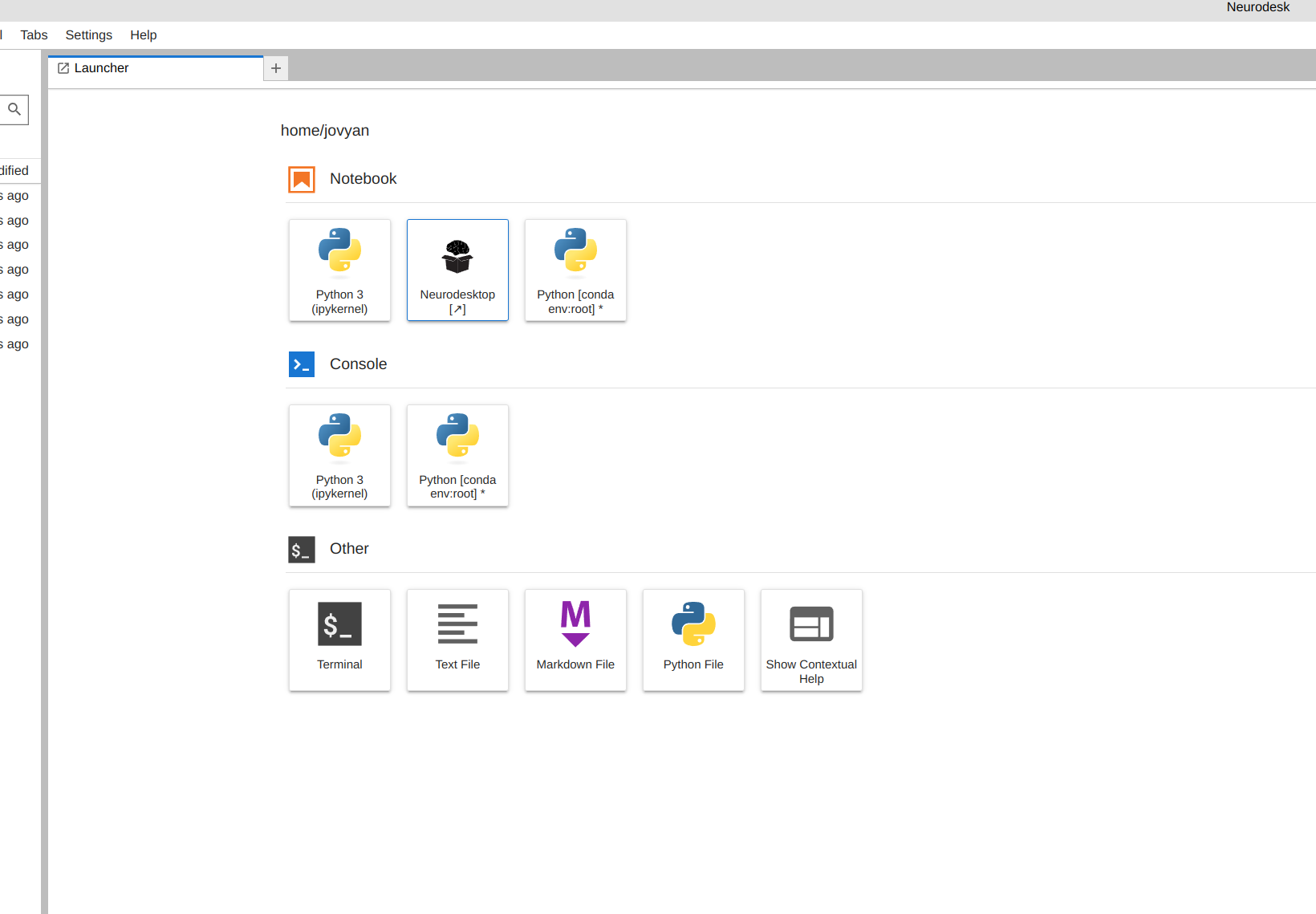
From the launcher, click the Neurodesktop icon:
Open fmriprep#
Now you’re in Neurodesk, use the menus to first open the neurodesk options
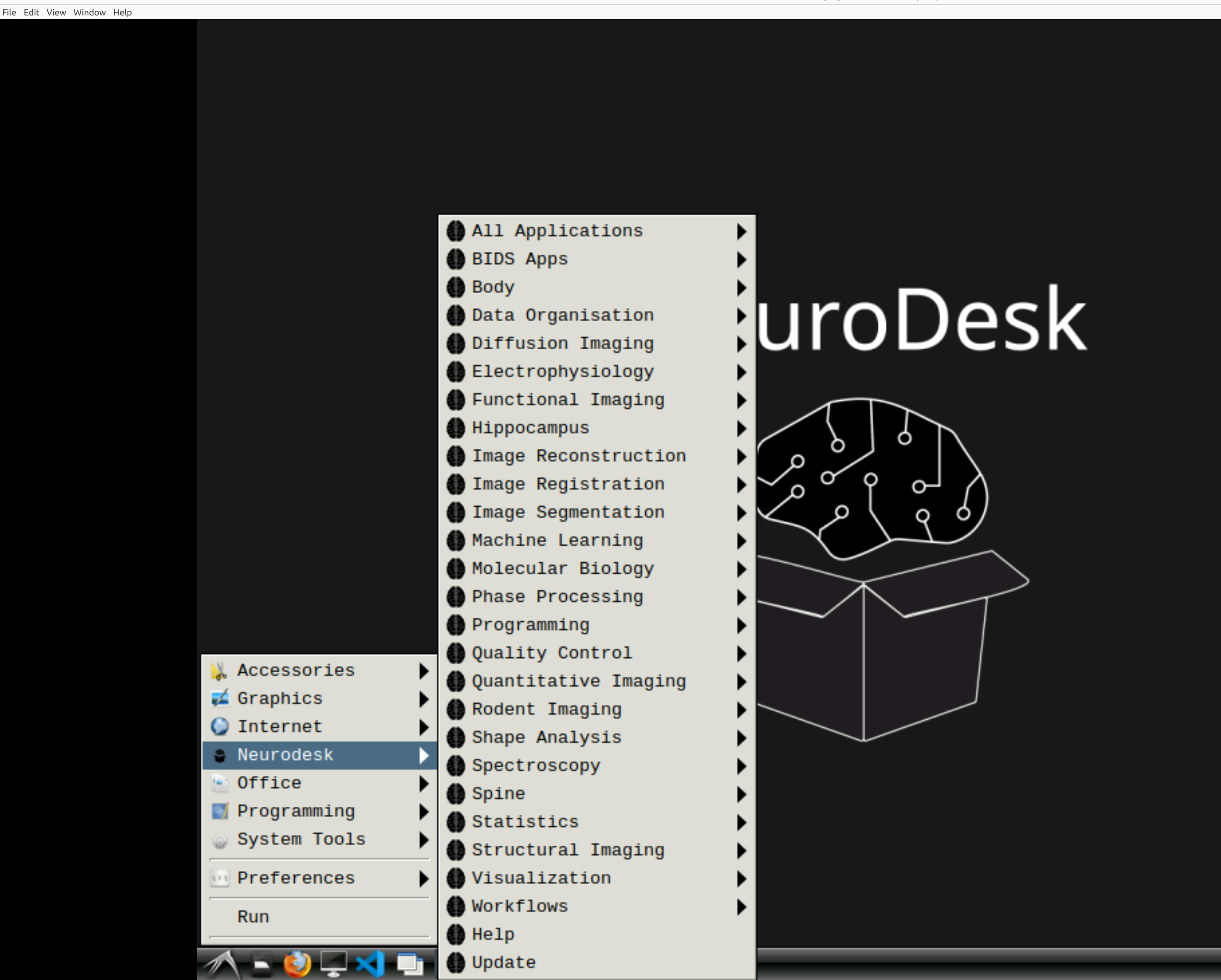
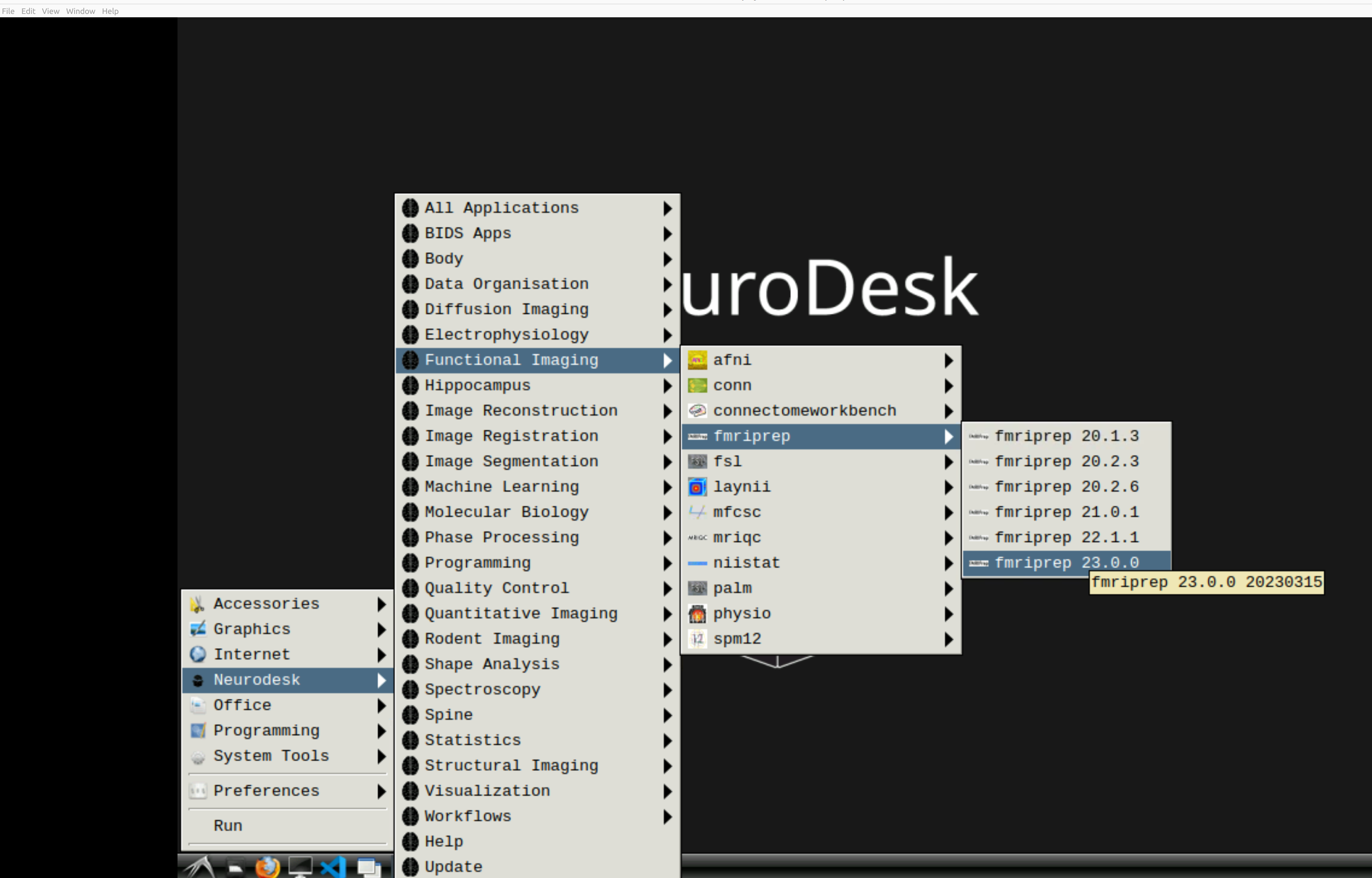
and then select fMRIPrep. Note that the latest version will be the lowest on the dropdown list:
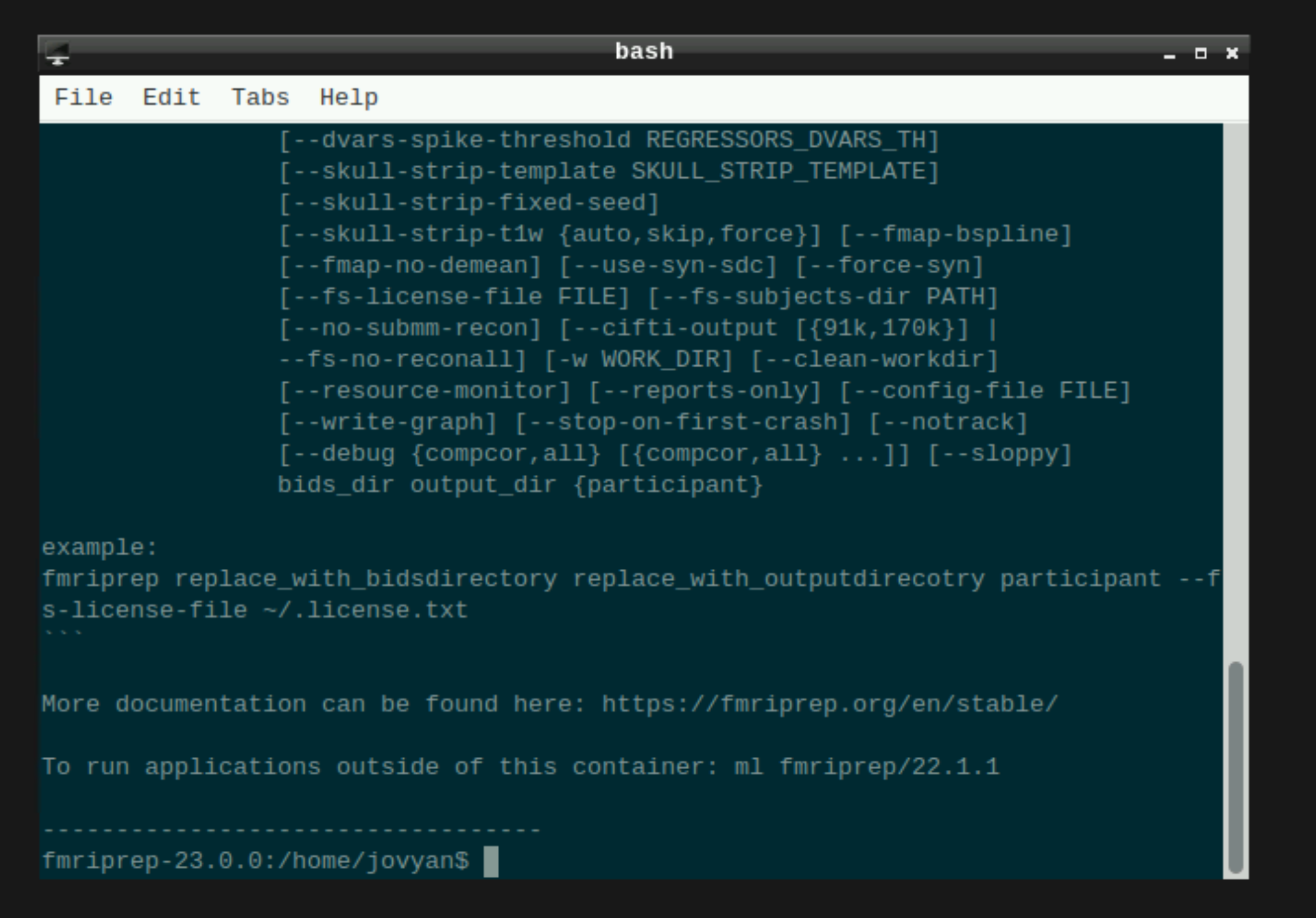
This will open a terminal window where fMRIPrep is ready and waiting at your fingertips - woohoo!
Setting up fmriprep command#
You can now enter your fmriprep command straight into the command line in the newly opened terminal. Here is a quick guide to the command I have used with the options I have found most useful. Note that fMRIPrep requests the path to the freesurfer license file, which should be somewhere in your system for neurodesk to read - e.g. in ‘neurodesktop-storage’.
export ITK_GLOBAL_DEFAULT_NUMBER_OF_THREADS=6 # specify the number of threads you want to use

fmriprep /path/to/your/data \ # this is the top level of your data folder
         /path/to/your/data/derivatives \ # where you want fmriprep output to be saved
         participant \ # this tells fmriprep to analyse at the participant level
         --fs-license-file /path/to/your/freesurfer.txt \ # where the freesurfer license file is
         --output-spaces T1w MNI152NLin2009cAsym fsaverage fsnative \
         --participant-label 01 \ # put what ever participant labels you want to analyse
         --nprocs 6 --mem 10000 \ # fmriprep can be greedy on the hpc, make sure it is not
         --skip_bids_validation \ # its normally fine to skip this but do make sure your data are BIDS enough
         -v # be verbal fmriprep, tell me what you are doing
Then hit return and fMRIPrep should now be merrily working away on your data :)
Some common pitfalls I have learned from my mistakes (and sometimes from others)#
If fmriprep hangs it could well be that you are out of disk space. Sometimes this is because fmriprep created a work directory in your home folder which is often limited on the HPC. Make sure fmriprep knows to use a work drectory in your scratch. you can specify this in the fmriprep command by using -w /path/to/the/work/directory/you/made
I learned the following from TomCat (@thomshaw92) - fMRIPrep can get confused between subjects when run in parallel. Parallelise with caution.
If running on a HPC, make sure to set the processor and memory limits, if not your job will get killed because it hogs all the resources.
Viewing fMRIprep HTML Outputs: Do not view these files in a browser within Neurodesktop using the RDP protocol. The HTML animations break RDP compression. Recommended Alternatives:
JupyterLab (Best Performance): Open the reports directly using the JupyterLab file browser.
VNC Protocol: If you prefer a full Linux desktop environment, connect via VNC instead of RDP.