Google Colab and Cloud Shell
Colab
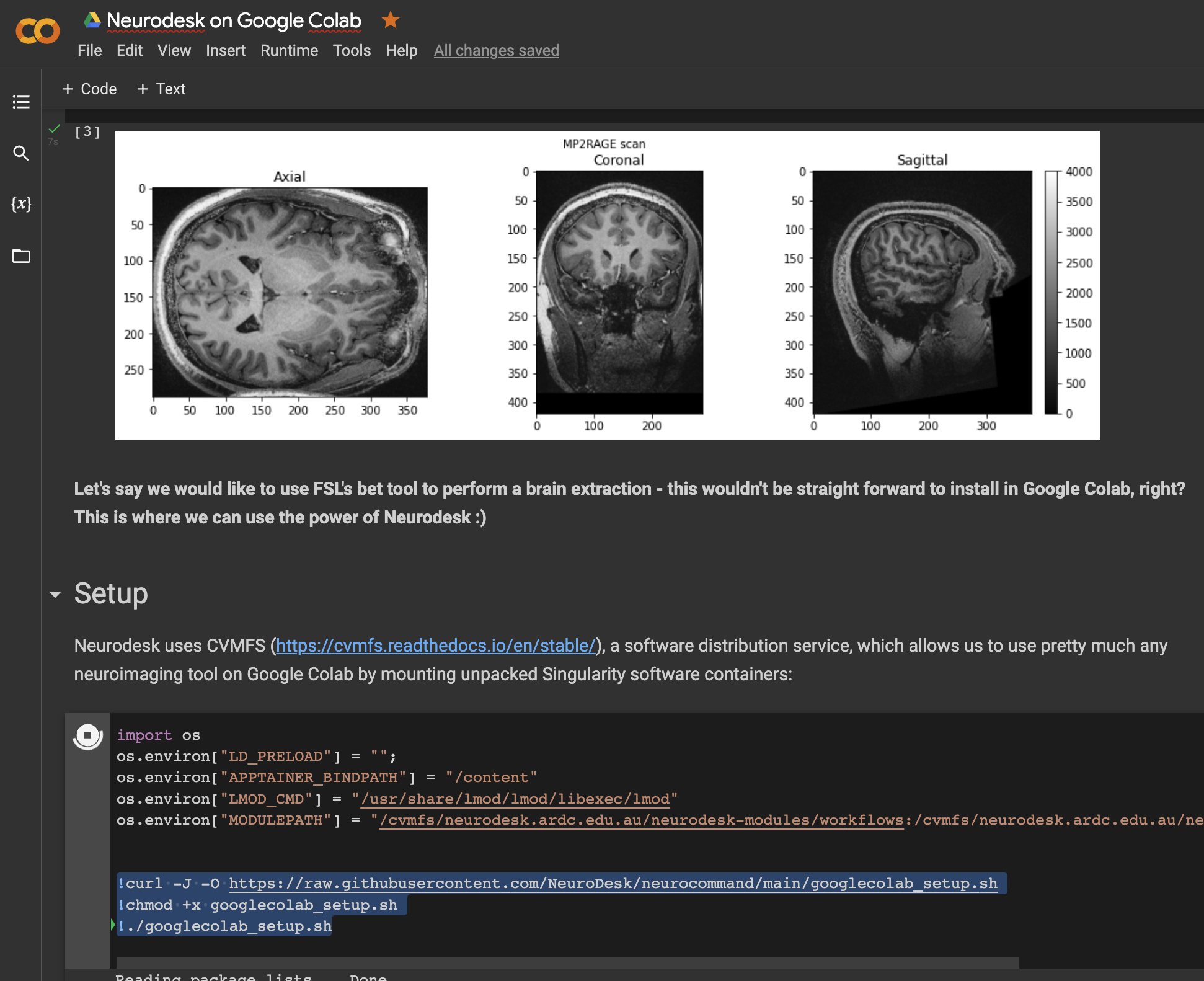
Open a notebook in Google Colab and run the following commands to set up the Neurodesk environment:
import os
os.environ["LD_PRELOAD"] = "";
os.environ["APPTAINER_BINDPATH"] = "/content"
os.environ["MPLCONFIGDIR"] = "/content/matplotlib-mpldir"
os.environ["LMOD_CMD"] = "/usr/share/lmod/lmod/libexec/lmod"

!curl -J -O https://raw.githubusercontent.com/neurodesk/neurocommand/main/googlecolab_setup.sh
!chmod +x googlecolab_setup.sh
!./googlecolab_setup.sh

os.environ["MODULEPATH"] = ':'.join(map(str, list(map(lambda x: os.path.join(os.path.abspath('/cvmfs/neurodesk.ardc.edu.au/neurodesk-modules/'), x),os.listdir('/cvmfs/neurodesk.ardc.edu.au/neurodesk-modules/')))))
Once this setup is completed, you can list the available Neurodesk applications like this:
import lmod
await lmod.avail()
and use applications like this:
await lmod.load('fsl/6.0.4')
!bet
This notebook demonstrates how to use all Neurodesk applications in Google Colab: https://colab.research.google.com/drive/1g5cnZxj1llRaHmOs4xSglqsXnFkQYuol?usp=sharing
This is a google colab notebook that shows how to integrate with google drive and contains an example how to run fMRIprep in google colab: https://colab.research.google.com/drive/11wVBkjNvrzo2TkUAILtWnPumAeFAfqkl?usp=sharing
and more examples can be found in our example library
Cloud Shell
This also works in a google cloud shell, e.g. for an interactive tutorial in google cloud cloudshell launch-tutorial:
mkdir -p ~/.cloudshell
touch ~/.cloudshell/no-apt-get-warning
export LD_PRELOAD=""
export LMOD_CMD="/usr/share/lmod/lmod/libexec/lmod"

sudo mkdir -p /etc/cvmfs/keys/ardc.edu.au/
curl -J -O https://raw.githubusercontent.com/neurodesk/neurocommand/main/googlecolab_setup.sh
chmod +x googlecolab_setup.sh
./googlecolab_setup.sh
sudo apt install lmod
sudo bash -c "cat > /usr/share/module.sh" << 'EOF'
# system-wide profile.modules                                          #
# Initialize modules for all sh-derivative shells                      #
#----------------------------------------------------------------------#
trap "" 1 2 3

case "$0" in
    -bash|bash|*/bash) . /usr/share/lmod/8.6.19/init/bash ;;
       -ksh|ksh|*/ksh) . /usr/share/lmod/8.6.19/init/ksh ;;
       -zsh|zsh|*/zsh) . /usr/share/lmod/8.6.19/init/zsh ;;
          -sh|sh|*/sh) . /usr/share/lmod/8.6.19/init/sh ;;
                    *) . /usr/share/lmod/8.6.19/init/sh ;;  # default for scripts
esac

trap - 1 2 3
EOF

source /usr/share/module.sh

module use /cvmfs/neurodesk.ardc.edu.au/neurodesk-modules/*
and then used in a tutorial.md:
# My First fsl Tutorial in cloudshell

## Step 1: Say Hello
Run the following command to print a message:

```bash
module use /cvmfs/neurodesk.ardc.edu.au/neurodesk-modules/*
ml fsl
bet
The tutorial can be started via:
cloudshell launch-tutorial tutorial.mdOr via a URL:
https://ssh.cloud.google.com/cloudshell/editor?cloudshell_git_repo=REPO_URL&cloudshell_tutorial=path/to/tutorial.mdwhere cloudshell_git_repo: The URL of the Git repository to clone and cloudshell_tutorial: The relative path to the markdown file inside that repo.