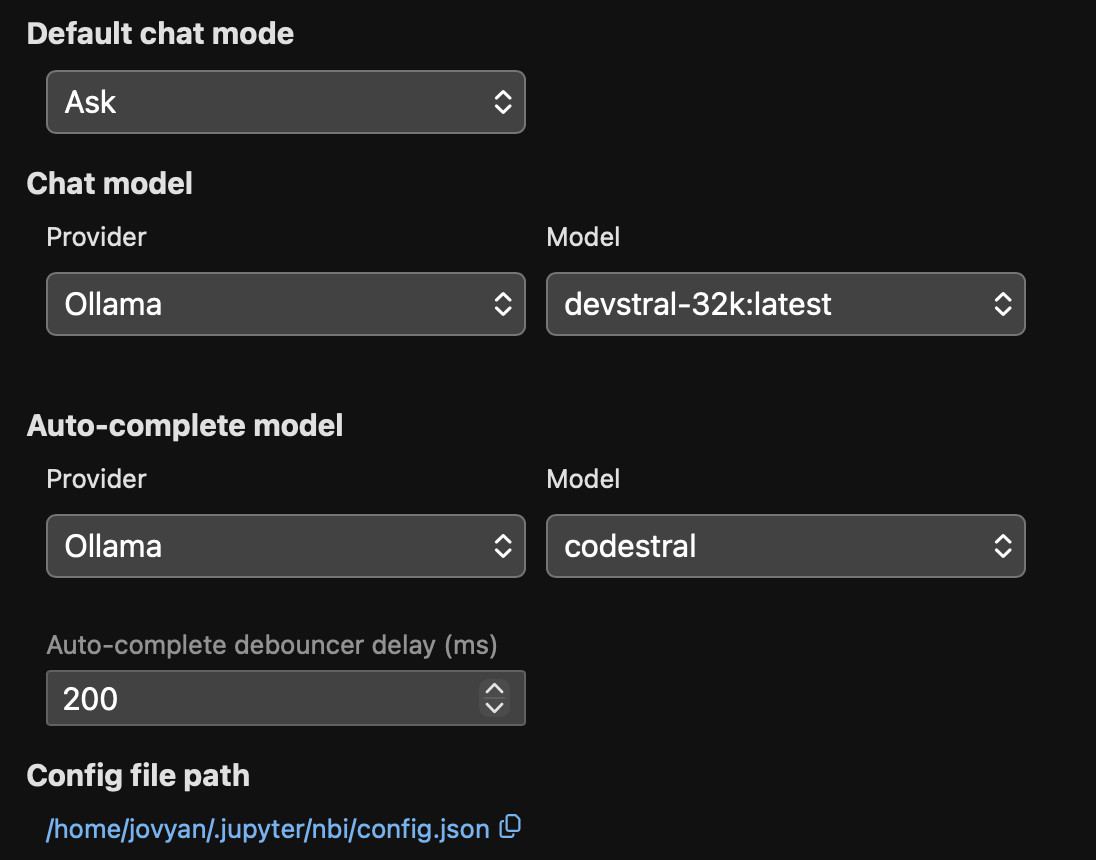
Notebook Intelligence
Use the notebook intelligence plugin in Neurodesk - the notebook coding agent
Start Notebook Intelligence from the side panel:
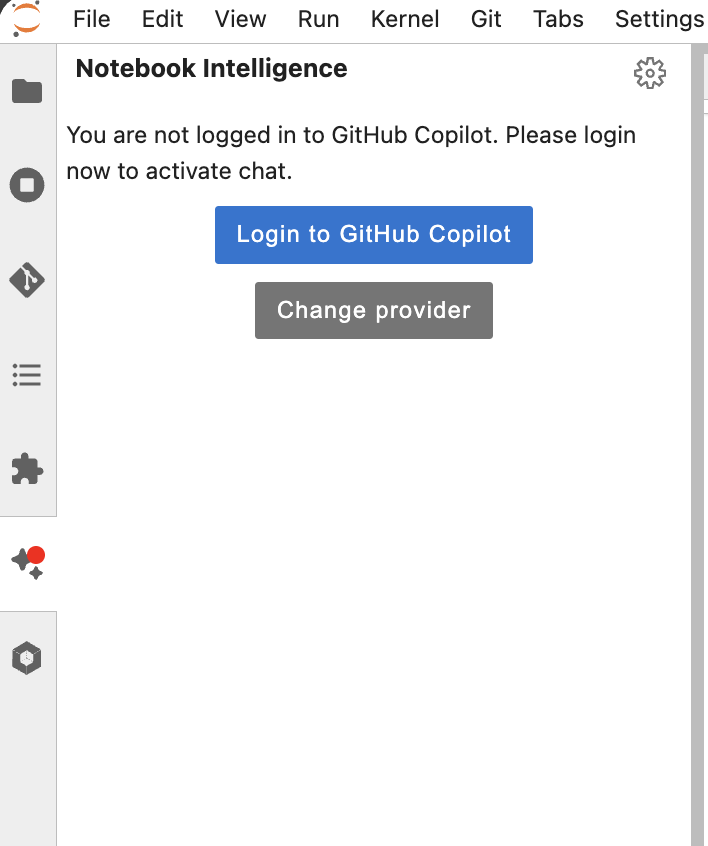
Then connect Github Copilot (or Change the model provider)
Switch to agent, select all tools (via the settings button next to the Agent Selector) and give it a task:
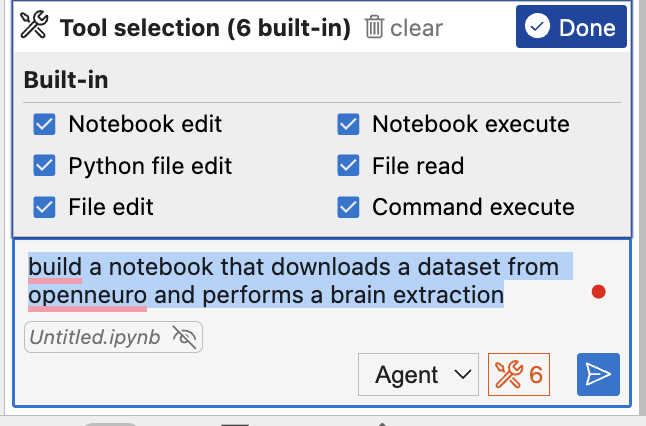
You can also ask it to fill in code in specific cells:
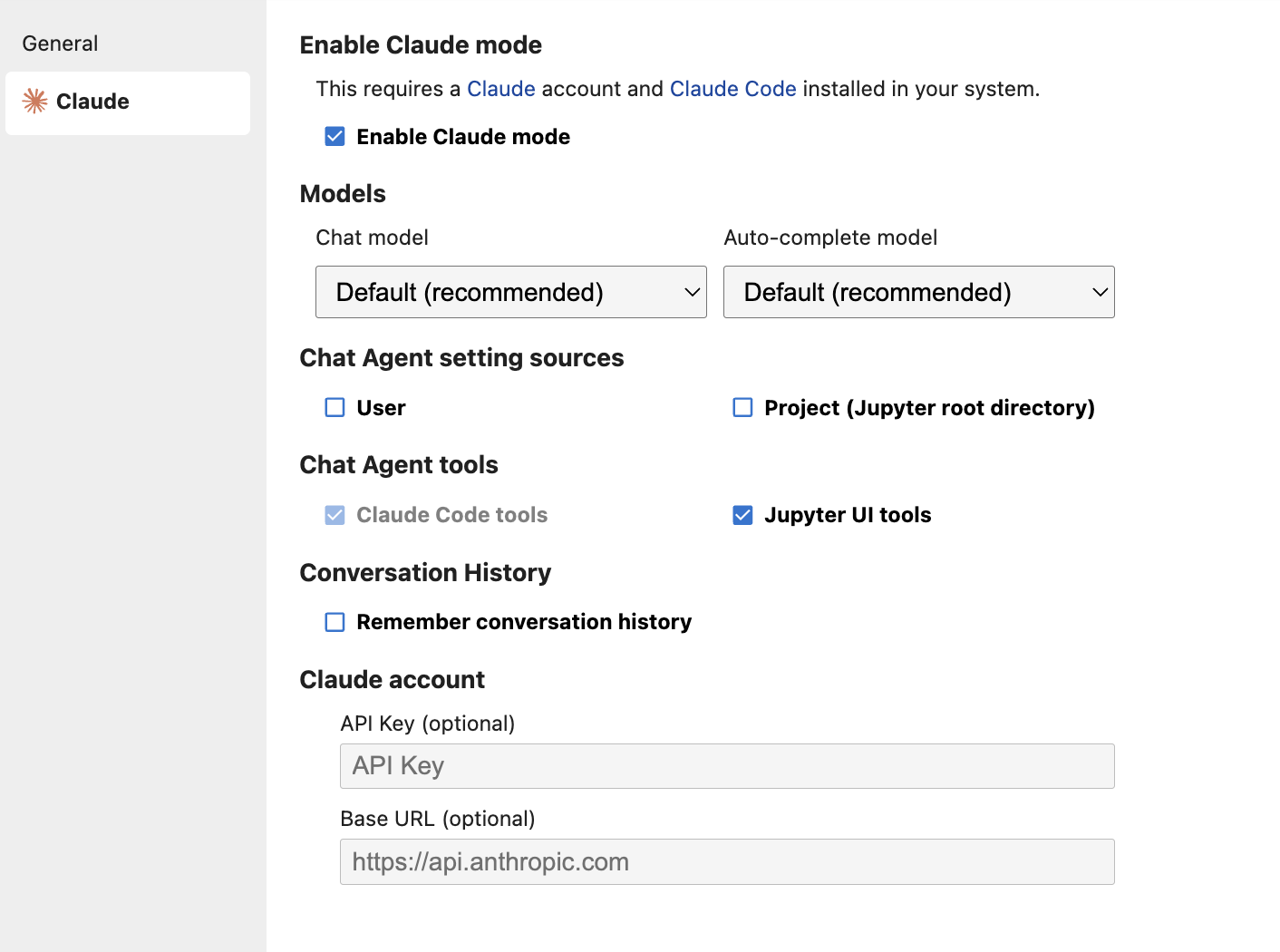
For a more capable model you can also switch to Claude in the settings:
You can also self-host a model in Ollama on your computer. For this install Ollama on your system and start the neurodesktop container with these additional docker parameters:
--add-host=host.docker.internal:host-gateway \
-e OLLAMA_HOST="http://host.docker.internal:11434" \
This model works well:
ollama pull devstralWe need to extend the context window to make it usable for coding:
echo "FROM devstral:latest
PARAMETER num_ctx 16384" > Modelfile

ollama create devstral-16k -f Modelfile

rm Modelfile
Then switch to Ollama in the settings